4 November 2026 · 6 min read
What Are MCP and WebMCP? How AI Agents Use Websites, Explained
MCP connects AI assistants to tools; WebMCP lets websites offer tools to agents in the browser. What both mean in plain English, and what's still unfinished.
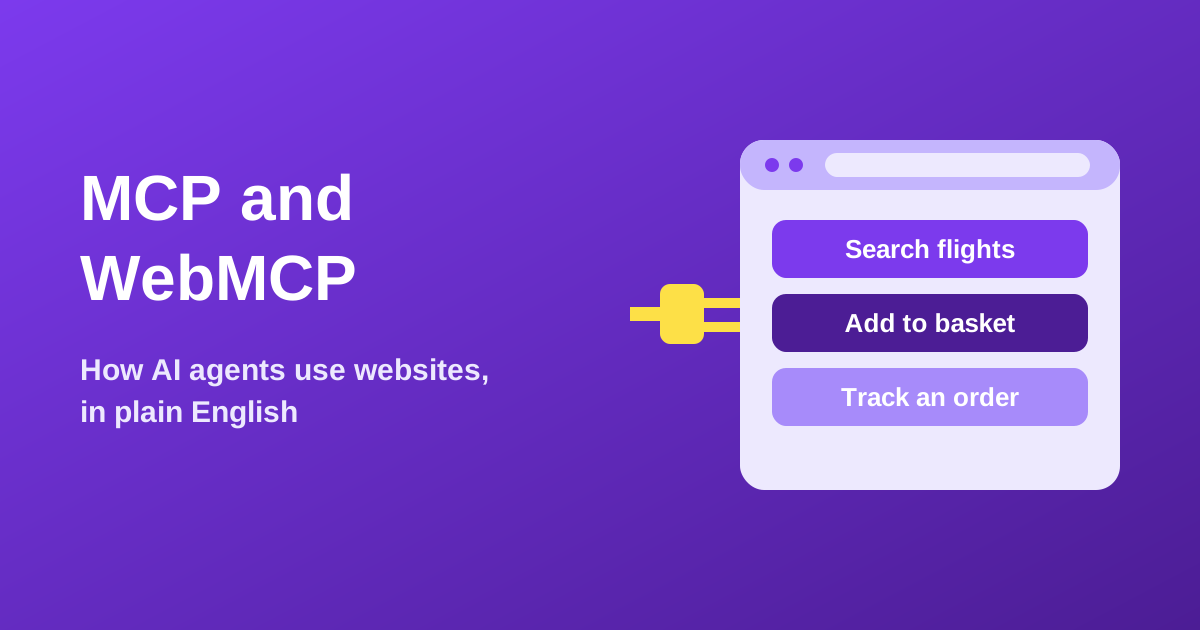
MCP, the Model Context Protocol, is a shared way to connect AI assistants to outside tools and data, such as your calendar, a database or a search engine. WebMCP is a newer proposal that would let a website tell an AI agent in your browser what it can do there, for example 'search flights' or 'add to basket', so the agent does not have to guess by reading the page and clicking around. MCP is already widely supported. WebMCP is still experimental: it is not a finished web standard, and it is still being tested.
What is MCP in simple terms?
Anthropic introduced MCP as an open-source standard in November 2024. The project's own documentation compares it to a USB-C port for AI applications: instead of every assistant needing a custom connection for every service, there is one common plug. Its documentation names Claude, ChatGPT and developer tools such as Visual Studio Code among the software that supports it.
A practical example: with an MCP connection to your calendar, an assistant can look up your free slots instead of asking you to paste them in. Somebody has built a small connector, called a server, which tells the assistant what it can ask for and how. You do not have to write any code to use it.
What is WebMCP and how is it different?
Today, an agent using a website often works a bit like a person looking over your shoulder: it reads the page or a screenshot, works out which button probably does what, clicks and hopes. A redesign or a pop-up can throw it off. WebMCP aims to replace that guesswork with a short list of labelled actions that the website itself provides, each with a description and the details it needs.
| MCP | WebMCP | |
|---|---|---|
| In one line | Connects AI apps to outside tools and data | Lets a web page offer tools to an agent in the browser |
| Where it runs | A separate connector, on a server or your computer | Inside the web page you have open |
| Who sets it up | A company or developer publishes a connector | The website's own developers |
| Typical use | An assistant reads your files or calendar | An agent helps you complete a task on a site |
| Status | In wide use, still evolving | Experimental, and subject to change |
The names are related, but WebMCP is not simply MCP inside a browser. Its authors say it shares a vocabulary with MCP, such as tools and parameters, but does not adopt the full protocol, because the web has its own concepts like browser permissions and page origins.
Is WebMCP a standard yet?
No. The specification is a Draft Community Group Report from the W3C's Web Machine Learning Community Group, and the document itself says it is not a W3C Standard and not on the W3C Standards Track. That is an important difference: a community group draft is a place to work out an idea, not an approved standard.
- August 2025: the proposal's README credits an initial write-up by authors from Microsoft and Google.
- February 2026: Chrome announced WebMCP for prototyping, available to members of its early preview program.
- Chrome 149 onwards: Chrome's documentation now offers an origin trial, in which site developers can opt in to testing it. It still calls WebMCP a proposed web standard that is subject to change.
- November 2026: the draft specification was still being updated.
Features in this position can change shape, change names or never become widely adopted. Other browsers may or may not follow. Anyone telling you that WebMCP is how the web will work from now on is ahead of the evidence.
What does this mean for normal people?
For now, very little changes day to day. If WebMCP or something like it catches on, the hoped-for benefits are agents that make fewer clicking mistakes and finish tasks faster. Chrome's documentation says the API is primarily designed for local browser workflows with a human in the loop, and the project lists fully autonomous use, with no browser interface present, as a non-goal. So the picture it describes is you and an agent working in the same page, not an agent quietly running your life.
The sensible habits stay the same whatever the plumbing: know what access you have granted, review anything hard to undo, and do not assume an agent is right because it sounded confident. A website offering a neat tool to an agent does not make that website trustworthy, either.
Thinking of giving an agent access to your documents? Here is what to remove first.
Prepare your files for an agentWhat does WebMCP mean for small websites?
- You do not need to do anything today. It is an experiment, and implementing it now is mainly useful for developers who want to learn or give feedback.
- Clear pages help everyone. Real buttons, labelled form fields and accurate headings help screen readers, search engines and, quite likely, agents that read pages.
- Think about what your site actually does. 'Check availability', 'get a quote' and 'track an order' are clear actions. Being able to list them is useful preparation, whichever technology wins.
- Watch the status, not the hype. Chrome's documentation and the specification itself are better guides than posts promising early-mover advantages.
Why do browser-based tools fit this direction?
WebMCP's design builds on code that already runs in the page. The specification describes JavaScript-based tools provided by web applications, and its authors list reuse of existing client-side code as a goal. That makes tools which already do their work in the browser a natural fit for the idea, at least on paper: the file could stay on your device while an agent helps you operate the tool.
To be clear, this is a possibility, not a promise. Skrubly does not support WebMCP today. What it does have is a set of file tools that run in your browser, such as the Background Remover, which works on your device without uploading the image. Having that design does not by itself protect you from an agent: if an agent can read your page, it may be able to see what is on it, so the access you grant still matters.
See what a browser-based tool looks like: remove an image's background on your own device, for free.
Open the Background RemoverWant to know how browser-based and upload-based tools differ, and how to tell which one you are using?
Browser-based vs upload-basedQuick answers
- Do I need to install MCP? Not as such. If your assistant supports connectors, setting one up may be a few clicks, sometimes with an account sign-in. Check which permissions it asks for.
- Can websites use WebMCP to control my browser? That is not how it is described. A page offers tools for an agent to call; the agent and browser sit in between. As it is still a draft, the details and safeguards may change.
- Is MCP safe? It is a way of connecting things, so safety depends on the connector, the assistant and the permissions. Only add connectors you have reason to trust.
- Will WebMCP replace normal websites? Its authors say agent tools are meant to augment the human interface, not replace it.