9 July 2026 · 7 min read
Free TikTok Downloaders Without Watermark: What to Look For (2026)
A practical 2026 guide to free TikTok downloaders with no watermark, grouped by type and compared on ads, privacy, video quality and safety. No affiliate spam.
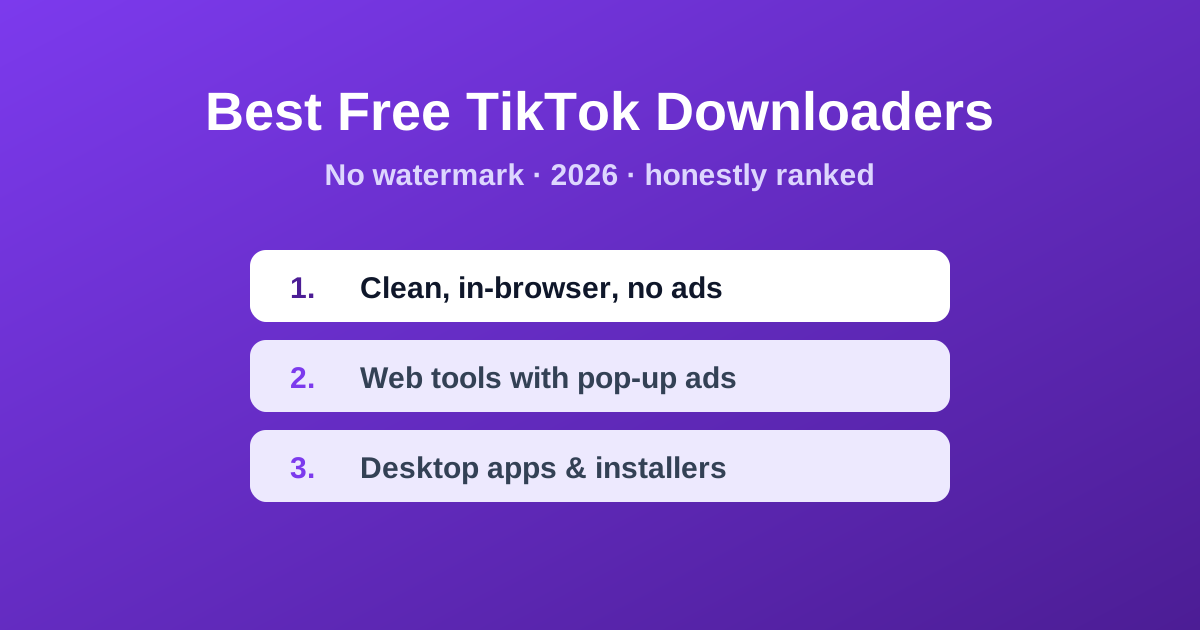
Search "best TikTok downloader" and you'll get a dozen near-identical lists — most of them ranking whatever tool paid the most in affiliate commission. This one is different: we're grouping options by the things that actually matter to you — how many ads you have to dodge, where your data goes, the output quality, and whether the site is trying to install something. Skrubly is our own tool, so weigh what we say about it accordingly.
What separates a good downloader from a bad one
- Ads & fake buttons: the worst offenders surround the real download button with 4–5 decoy buttons that trigger pop-ups or redirects. Count the ads before you trust a site.
- Privacy: fetching a TikTok video always involves a server somewhere, because only a server can retrieve it. Check what the site says it does with the links you paste and whether it stores anything. A tool that processes your own local files in the browser is a different case from one that fetches a public video.
- Quality: a good tool pulls TikTok's original high-bitrate stream. A bad one re-encodes and softens the video, or caps you at a low resolution unless you "go premium".
- Safety: desktop apps ask you to install an executable. That's a bigger trust ask than a website — only worth it for bulk workflows, and only from a reputable source.
- Cost traps: "free" tools that watermark their own logo onto your download, or lock HD behind a paywall, aren't really free.
Option 1 — Browser-based, no account, no install
A good experience is a downloader that works from your browser with no account and nothing to install. Skrubly is one: paste the link, get the full-quality MP4 with no watermark, and optionally grab the audio as MP3. To be straightforward about how it works: the link you paste goes to our server, which asks a third-party provider to find the video, and the video is fetched server-side. A public URL travels; no file of yours does, and nothing of yours is stored. Skrubly also has a separate metadata cleaner that runs entirely in your browser tab, so your file looks camera-fresh when you repost. It is free and supported by ads, so you may see some.
Paste any TikTok link — no sign-up, no card.
Open the TikTok DownloaderOption 2 — Other web tools (SnapTik, SSSTikTok, and friends)
The classic web downloaders still work, and many are fine for the occasional save. Ad-supported sites often cost you attention, and some add their own watermark or nudge you toward a paid tier for HD, so check each one for yourself. Read the privacy policy if you care what happens to the links you paste. Judge them on what you actually see on the page rather than on reputation.
Option 3 — Desktop apps & converters
Installable apps (the "converter" category) make sense if you download in bulk, want batch queues, or need 4K/8K upscaling. The cost is that you're installing software and, usually, paying for the good features. For 99% of people who just want to save a clip now and then, a browser tool is faster and lower-risk than installing anything.
The one step every list forgets: metadata
Whatever tool you pick, the downloaded file carries hidden metadata. If you're reposting to Reels or Shorts, platforms can read encoder tags and timestamps that flag your clip as recycled. Run the file through a metadata cleaner before you re-upload — Skrubly's cleaner runs in your browser, so the file never leaves your device.
Clean your download before reposting it anywhere.
Open the Metadata CleanerBottom line
If you download TikToks more than once in a blue moon, pick a browser-based tool that needs no account and no install, read what it says about your data, and clean the metadata locally before reposting. Save the desktop apps for bulk work, and treat any site that surrounds the download button with fake buttons as a red flag, not a recommendation.