25 May 2026 · 5 min read
Why Instagram Buries Your Reposted TikToks (and How to Fix It)
Reposting TikToks to Reels and getting 200 views? It's the watermark. Here's how Instagram detects recycled content — and the 2-minute fix.
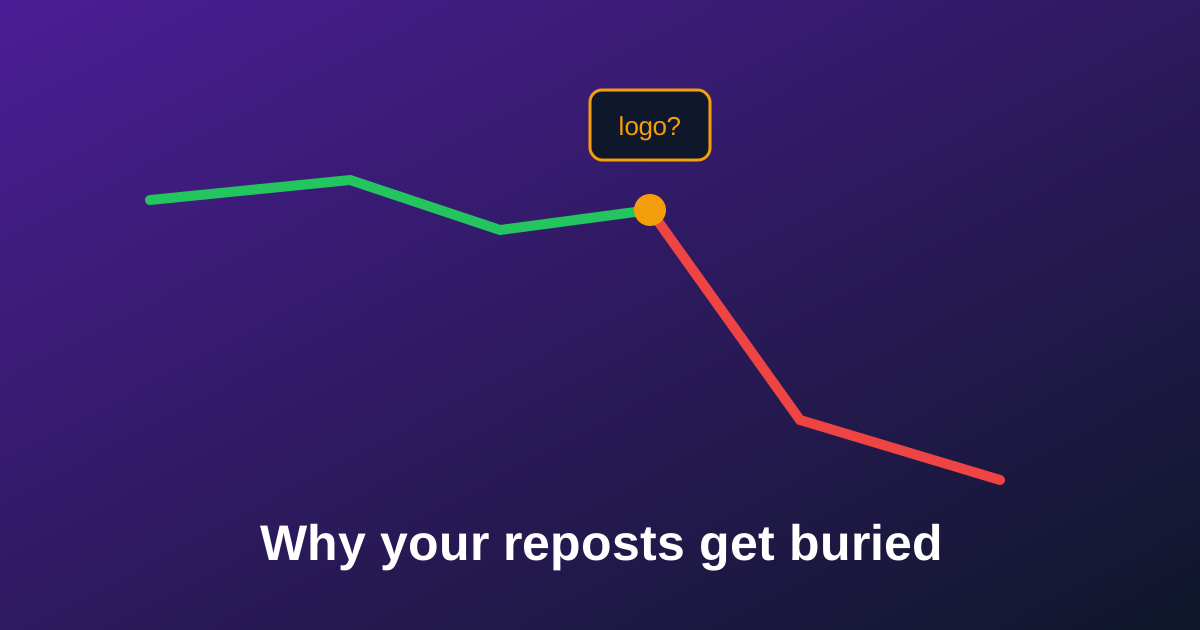
You post a clip on TikTok and it does 40K views. You repost the exact same clip to Reels and it dies at 200. That's not bad luck — Instagram has publicly confirmed that Reels showing a visible watermark from another app get deprioritized in recommendations. Your content isn't the problem. The bouncing logo in the corner is.
How Instagram knows your video came from TikTok
- Visual detection: Instagram's systems scan frames for the TikTok logo and username overlay — it's the most reliable signal and the one Meta has confirmed publicly.
- Low resolution re-encodes: saving via TikTok's own button compresses the file; low-quality uploads are another negative ranking signal.
- Recycled-content patterns: same length, same captions, posted minutes after the TikTok version.
The fix takes two minutes
- Download the clean version: use a no-watermark downloader to get the original file — full quality, no logo. That kills the main detection signal.
- Tweak before reposting: trim half a second, swap the caption text, use Instagram's own text/sticker tools. Small native edits make the upload look (and be) platform-native.
- Upload in the app, not from a repost tool: native uploads with full resolution consistently perform better.
Get the clean, full-HD version of any TikTok in one paste.
Download without watermarkDoes this actually work?
Try the A/B yourself: repost your next clip once with the watermark and once clean (on a second account or a week apart). Creators who make this one change routinely report Reels views moving from hundreds to thousands with zero change in content. The algorithm isn't punishing your video — it's punishing the watermark. Remove the watermark, remove the penalty.
Bonus: don't leak your edit trail
One more detail serious repurposers handle: file metadata. Downloaded and edited videos can carry encoder tags and timestamps that mark them as recycled. Running your clip through a metadata cleaner before upload gives you a file that's indistinguishable from camera-fresh — and it takes one drag and drop.
Make your reposts look camera-fresh.
Clean the metadata