24 May 2026 · 7 min read
How to Remove Metadata From Photos & Videos (EXIF, GPS, AI Tags)
Your photos secretly contain GPS location, device info and AI-generation tags. Learn what metadata reveals about you and how to strip it in your browser.

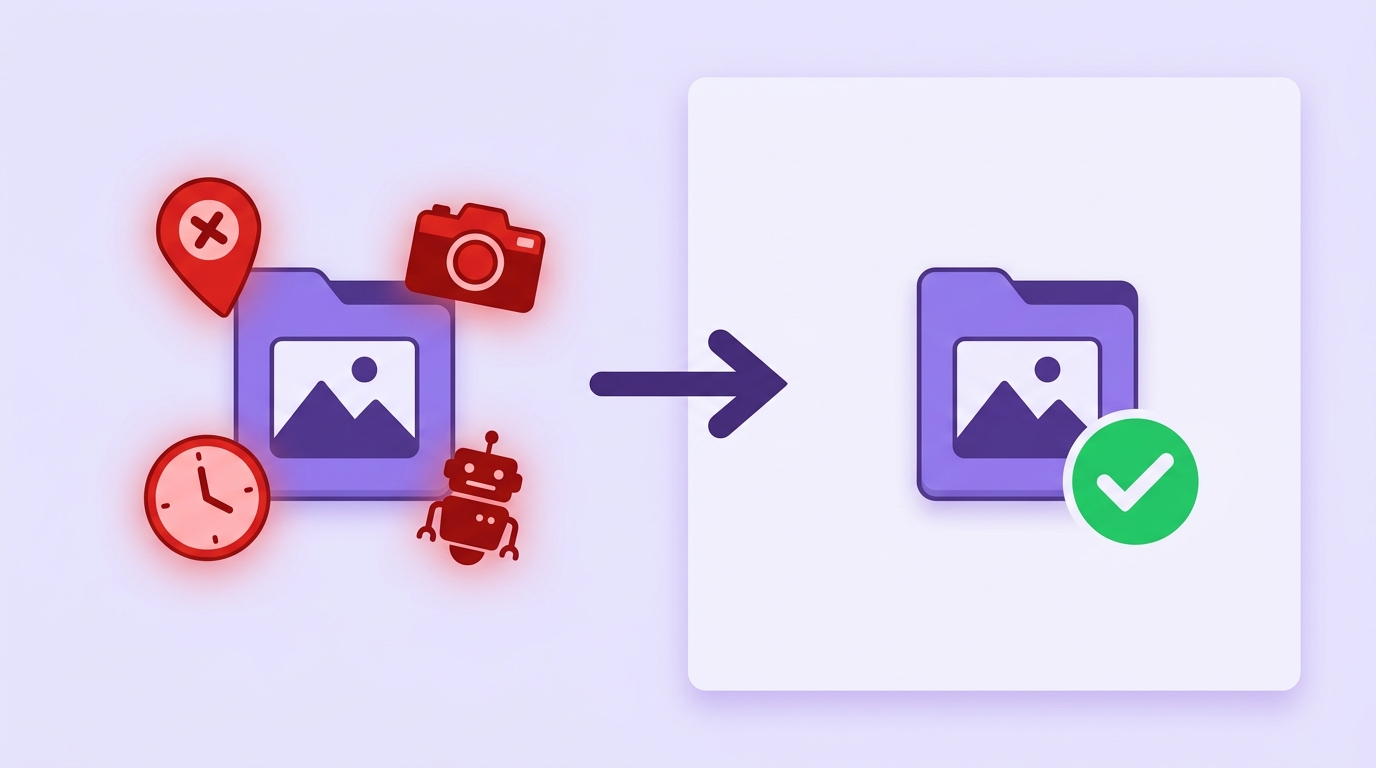
Every photo you take and every image you generate carries an invisible payload: metadata. It can include the exact GPS coordinates of your home, the phone model you use, the precise time the shot was taken — and increasingly, tags that mark a file as AI-generated. Before you share files publicly, it's worth knowing what they're saying about you behind your back.
What's hiding in your files?
- EXIF data: camera or phone model, lens, exposure settings, and the date and time the photo was taken.
- GPS coordinates: many phones embed your exact location in every photo by default — sharing a photo taken at home can reveal your address.
- Editing history: some tools record the software used and even previous versions of the file.
- AI-generation tags (C2PA / Content Credentials): images from DALL·E, Midjourney, Adobe Firefly and others increasingly carry cryptographic markers identifying them as AI-made, which platforms can read and label.
Why it matters
For individuals it's a privacy issue: stalkers and scammers have used photo GPS data to locate people from innocuous posts. For businesses and creators it's a professional issue: client files with leftover metadata leak workflow details, and AI tags on your assets can trigger platform labels you may not want. Journalists and activists have even been identified through metadata in files they believed were anonymous.
How to remove metadata — the private way
Most online "EXIF removers" work by uploading your file to their server, stripping it there, and sending it back. Think about that: to protect your privacy, you hand your private files to a stranger's server. Skrubly takes the opposite approach — the entire cleaning process runs inside your browser using your device's own processing power. Your files are never uploaded, anywhere, ever.
- Step 1 — Open the Metadata Cleaner and drag in your images or videos (up to 200MB per file).
- Step 2 — Review what was found: Skrubly shows you the GPS, device, and AI tags detected in each file before cleaning.
- Step 3 — Click Clean and download your file — pixel-identical, but with zero metadata.
See what your own photos are revealing — drop one in and check.
Open the Metadata CleanerDoes removing metadata change image quality?
No visible difference. Metadata lives in separate segments of the file, apart from the pixel data. Skrubly re-encodes images at maximum quality settings (and for video, copies the streams losslessly while dropping the metadata containers), so what you see stays exactly the same — only the invisible payload is gone.
Frequently asked questions
- Can I remove metadata from multiple files at once? Yes — drag in as many as you like; each is processed independently on your device.
- Does it work on iPhone HEIC photos? Yes, HEIC is supported along with JPG, PNG, WebP, MP4 and MOV.
- Can removed metadata be recovered? No. Once stripped and saved, the new file simply doesn't contain the data — there's nothing to recover.
- Is it really private? Yes, verifiably: the cleaning runs in your browser. You can even disconnect from the internet after the page loads and it still works.
Also grabbing content from TikTok? Save it clean, without the watermark.
Try the TikTok Downloader